Hands-on review
Wispr Flow review: dictation that keeps up with how you talk
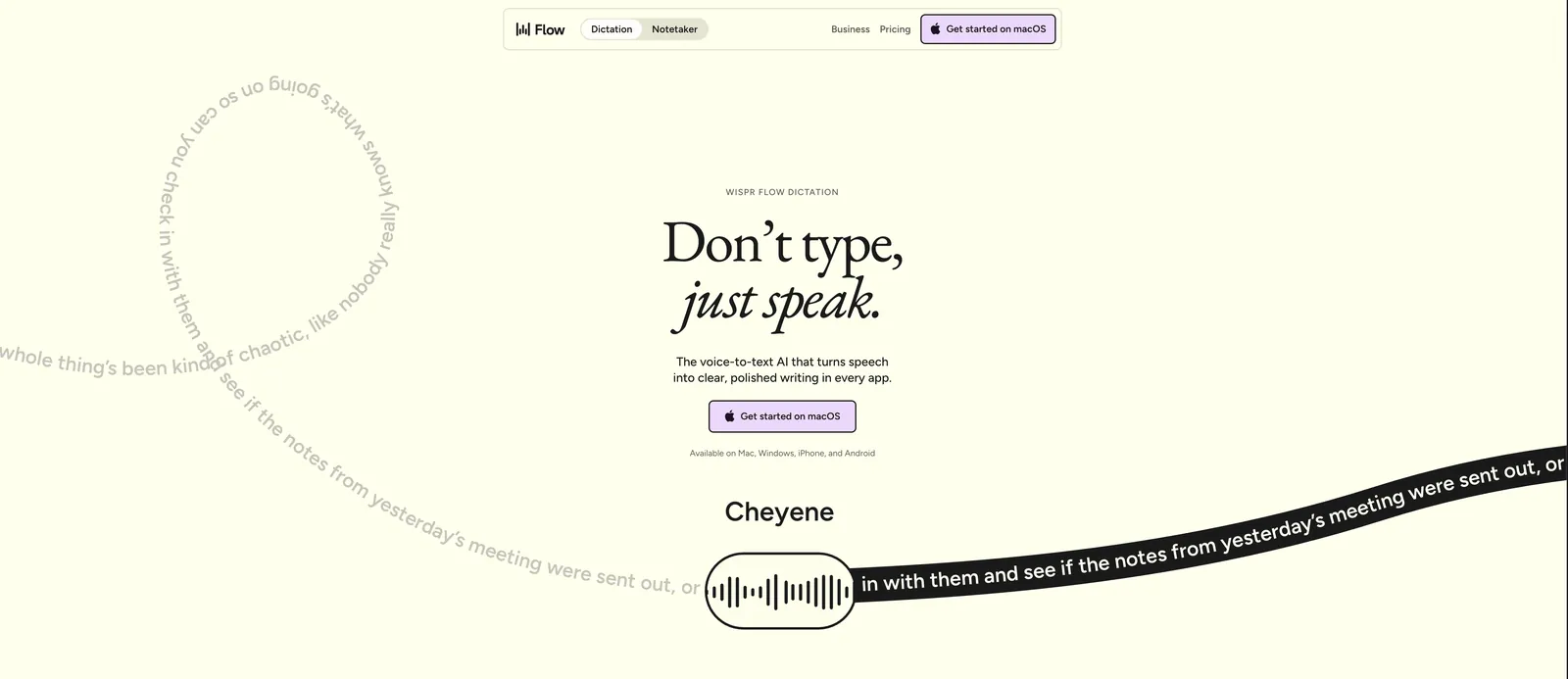
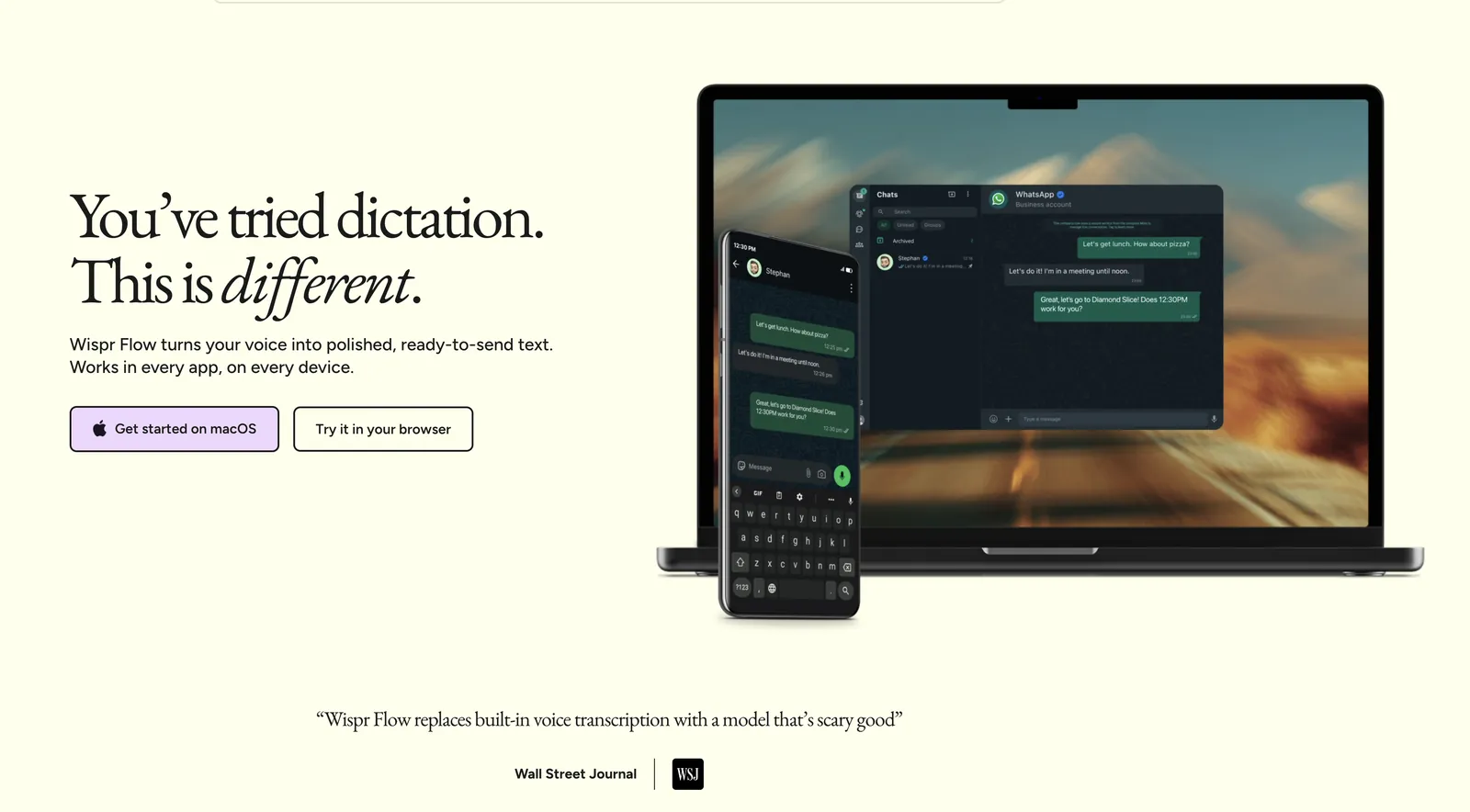
Wispr Flow is an AI dictation app for Mac, Windows, iPhone and Android. You hold a key, talk the way you actually talk — pauses, filler words, half-finished sentences included — and it types clean, punctuated text into whatever app your cursor is in. We use it daily for email, articles and messages. This is what it does well, what it costs, and who should not buy it.
+ the short version
- It fixes the annoying parts of dictation. Punctuation, capitalization and filler-word cleanup happen automatically — you never say “comma” out loud.
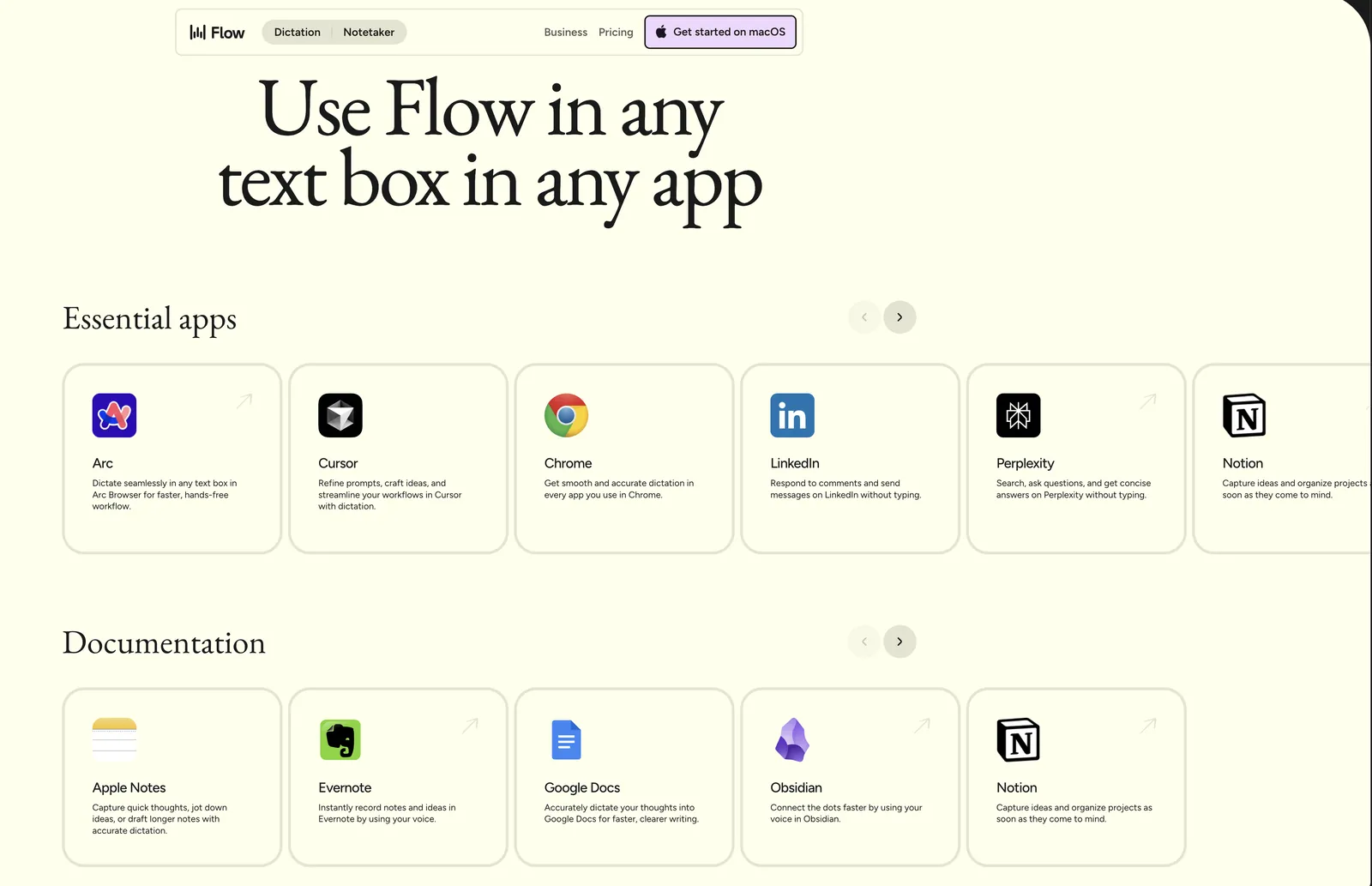
- It works everywhere. One shortcut, system-wide: email, browser, documents, chat — same behavior in every app.
- Free to try properly. 2,000 words per week on desktop cost nothing. Pro is $15/month (or $12/month billed annually).
- It needs the internet. Speech is processed in the cloud. Offline work and strict data policies are the honest reasons to skip it.
simplydictate.com · tested on macOS and Windows, August 2026
What it actually does
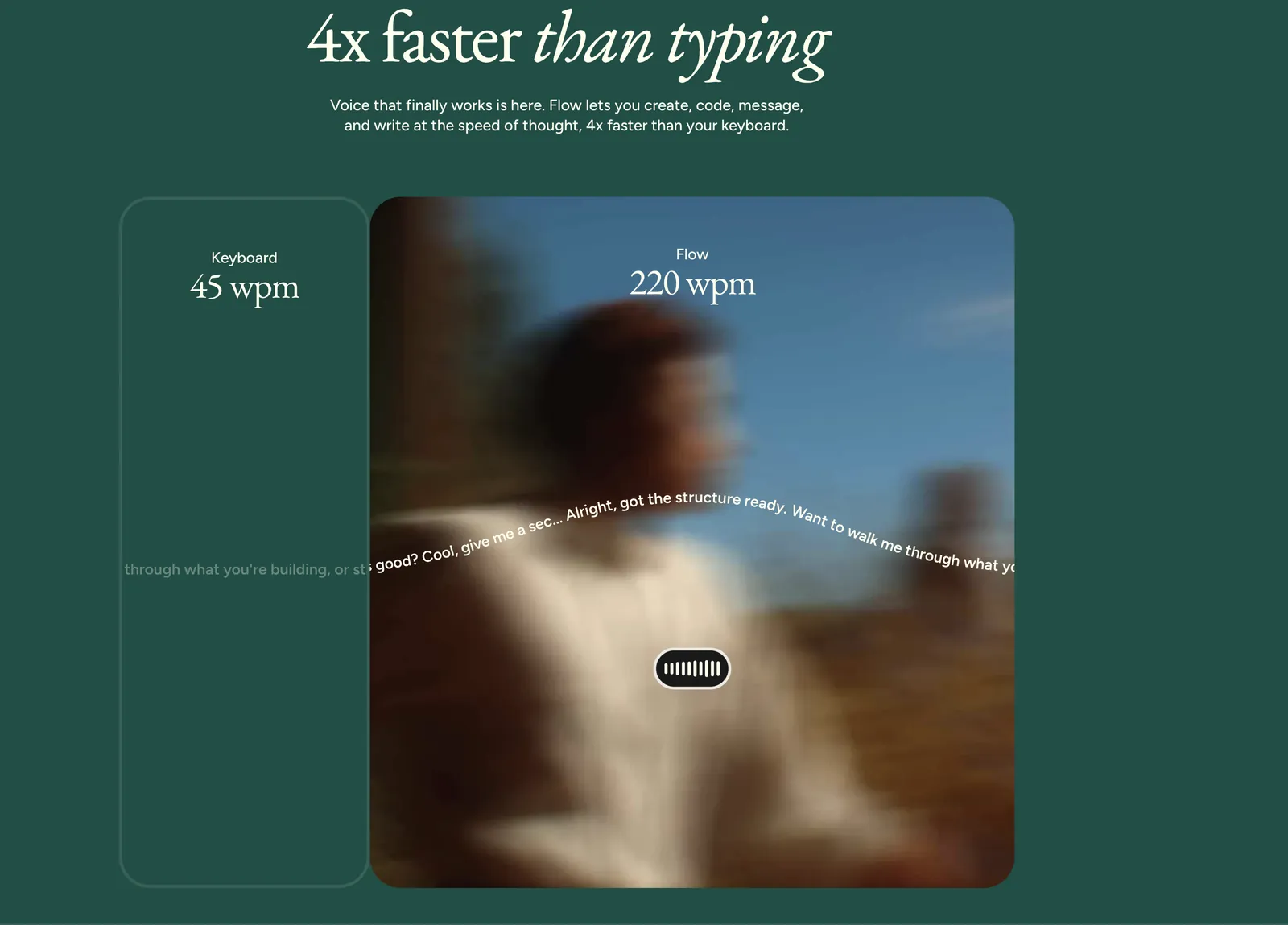
Every operating system ships with dictation, and for short messages it is fine — we say so plainly in our Mac and Windows guides. But built-in dictation transcribes what you say literally. Speech does not work like writing: you hesitate, you restart sentences, you say “um”. Literal transcription turns that into text you then have to clean up by hand, which eats the time dictation saved.
Wispr Flow’s pitch is that it transcribes what you meant. In practice that means:
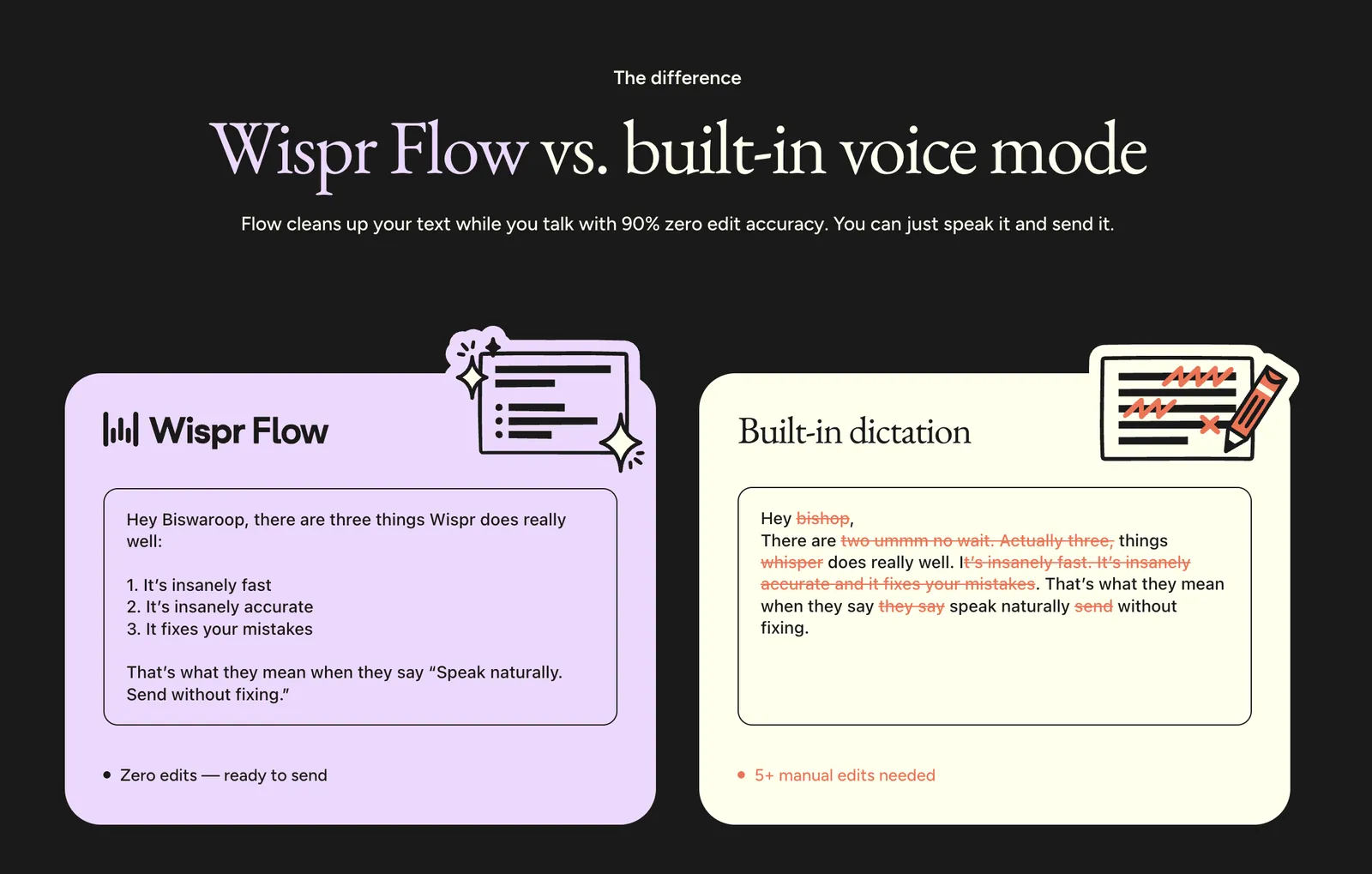
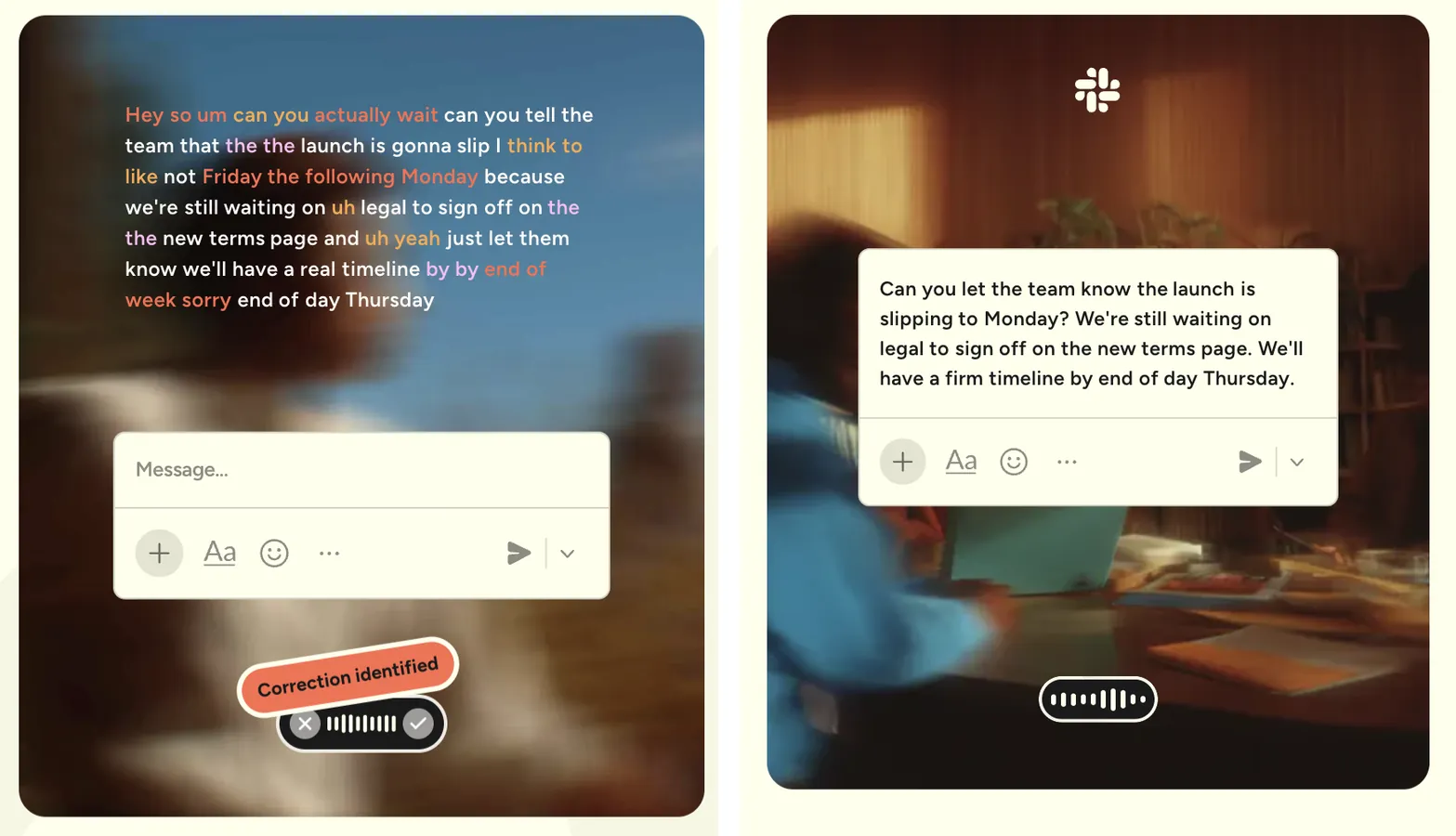
- Auto-editing. “Send it Tuesday — no wait, Wednesday” comes out as “Send it Wednesday.” Filler words disappear.
- Real punctuation. Sentences, commas, paragraph breaks and even lists are placed from context. You just talk.
- Your vocabulary. Names, product terms and jargon are learned over time instead of being mangled on every use.
- Tone awareness. It notices whether you are in a chat window or a document and formats accordingly — casual in Slack, tidy in a report.
Setup in five minutes
- Install and sign in. Download for Mac or Windows, create an account, grant microphone and accessibility permissions.
- Pick your hold-to-talk key. One key (Fn by default on Mac) starts dictation anywhere your cursor blinks.
- Talk normally. Do not perform. The cleanup is the product — speak as messily as you naturally do and watch what comes out.
- Add your jargon. Check the dictionary after the first days and confirm the names and terms it has picked up.
Pricing, honestly laid out
| Plan | Price | What you get |
|---|---|---|
| Free | $0 | 2,000 words/week on desktop, 1,000/week on mobile — enough to genuinely test it |
| Pro | $15/month, or $12/month billed annually | Unlimited words, advanced AI models, early access to new features |
| Enterprise | Custom | SOC 2 Type II, ISO 27001, HIPAA-ready agreements for teams |
The free tier is the right way in: 2,000 words a week is roughly ten long emails. If you hit the limit every week, that is your answer — your volume justifies Pro. If you never hit it, stay free.
Where it falls short
Three honest caveats before any buy button:
- No offline mode. Cloud processing means no internet, no dictation. On planes and trains you are back to built-in tools.
- Cloud processing is a privacy decision. Your speech leaves your machine. Wispr publishes its security posture (SOC 2, HIPAA-ready), but if your work forbids cloud tools, that ends the conversation — check our FAQ on dictation privacy.
- Subscription math. $144–180 a year is real money. It pays for itself if you write daily; it does not if you dictate one text message a week.
Who it is for
Wispr Flow fits people who produce serious text volume — founders, consultants, writers, support teams, anyone answering dozens of emails a day. It is also quietly excellent for people with RSI or wrist pain, and for non-native speakers who talk more fluently than they type in a second language.
If that is not you, keep your money: the free built-in options cover casual use well.
Wispr Flow
AI dictation for Mac, Windows, iOS and Android — talk naturally, get clean text in every app. 100+ languages.
Free: 2,000 words/week · Pro: $15/month or $12/month billed annually
Frequently asked
Is Wispr Flow free?
There is a real free plan: 2,000 words per week on desktop and 1,000 on mobile. Pro removes the limits for $15/month ($12/month billed annually).
Does Wispr Flow work in German or other languages?
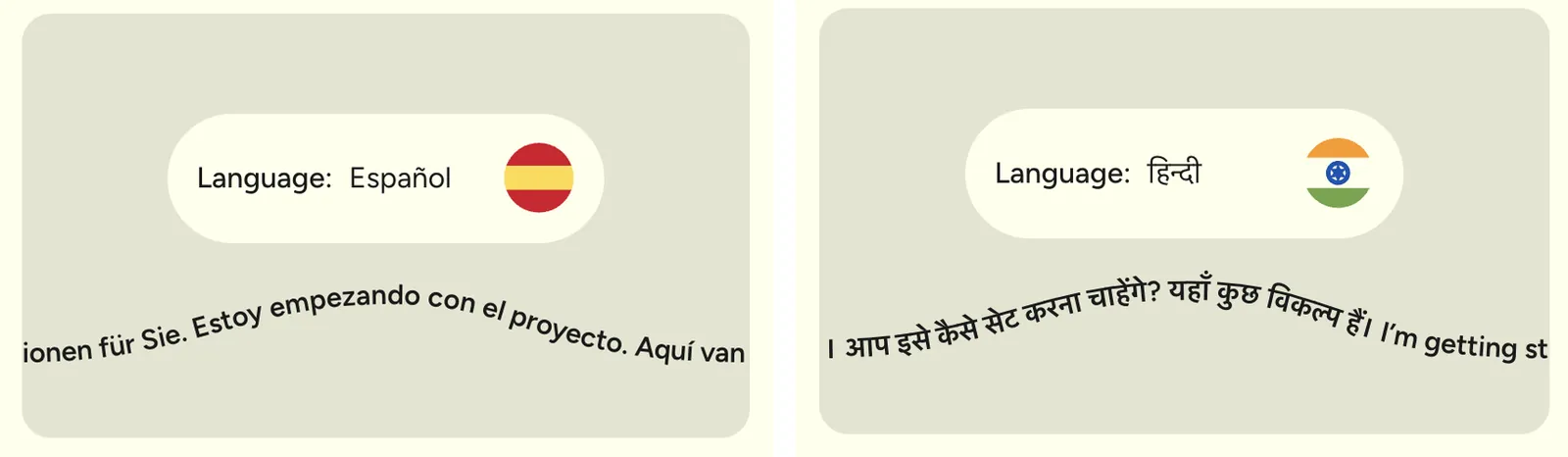
Yes — over 100 languages, with automatic language detection. You can switch mid-day between languages without touching a setting.
Does Wispr Flow work offline?
No. Processing happens in the cloud, so you need a connection. Built-in dictation on Mac and Windows is the offline fallback.
Wispr Flow on Mac or Windows — is one version better?
The Mac app is the most mature; Windows has the same core dictation. The additional Notetaker feature is Mac-only for now.